


Scan your receipt.Scan your receipt.Scan your receipt.
Take a picture of it, or enter it by hand.Take a picture of it, or enter it by hand.Take a picture of it, or enter it by hand.

Scan receipts, split what everyone had, and keep track of who owes what.
Take a picture of it, or enter it by hand.Take a picture of it, or enter it by hand.Take a picture of it, or enter it by hand.
Split items, shared expenses, tax, and tip.Split items, shared expenses, tax, and tip.Split items, shared expenses, tax, and tip.
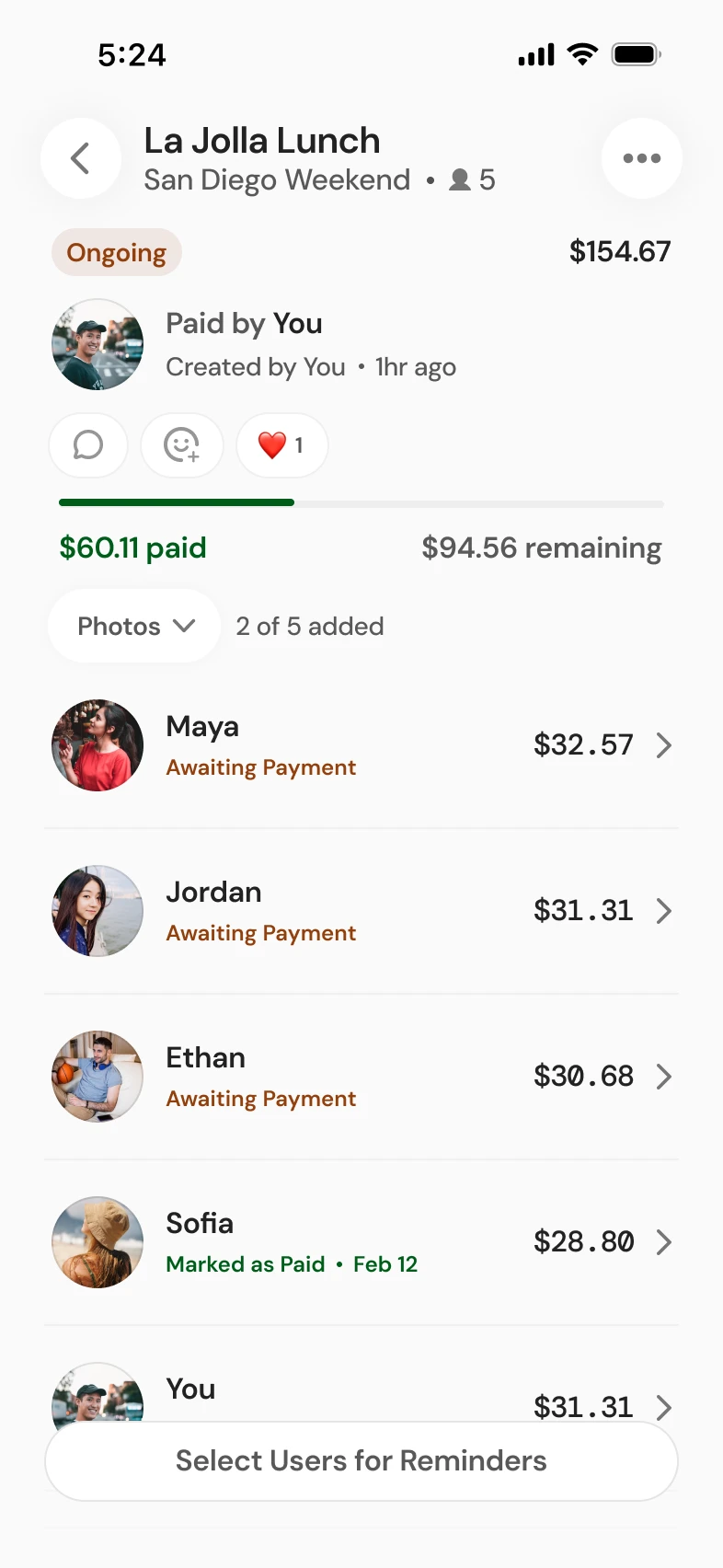
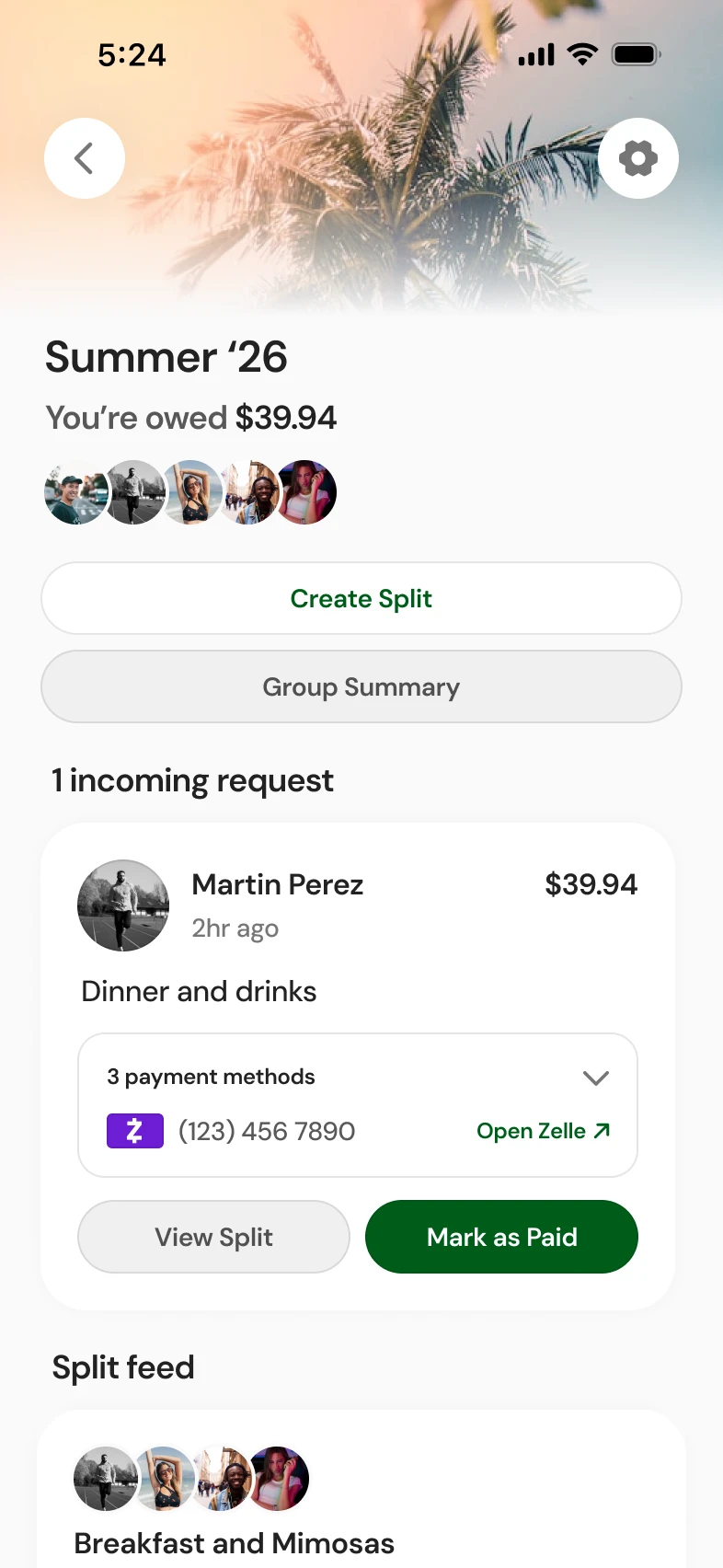
Share payment details and track who’s paid.Share payment details and track who’s paid.Share payment details and track who’s paid.
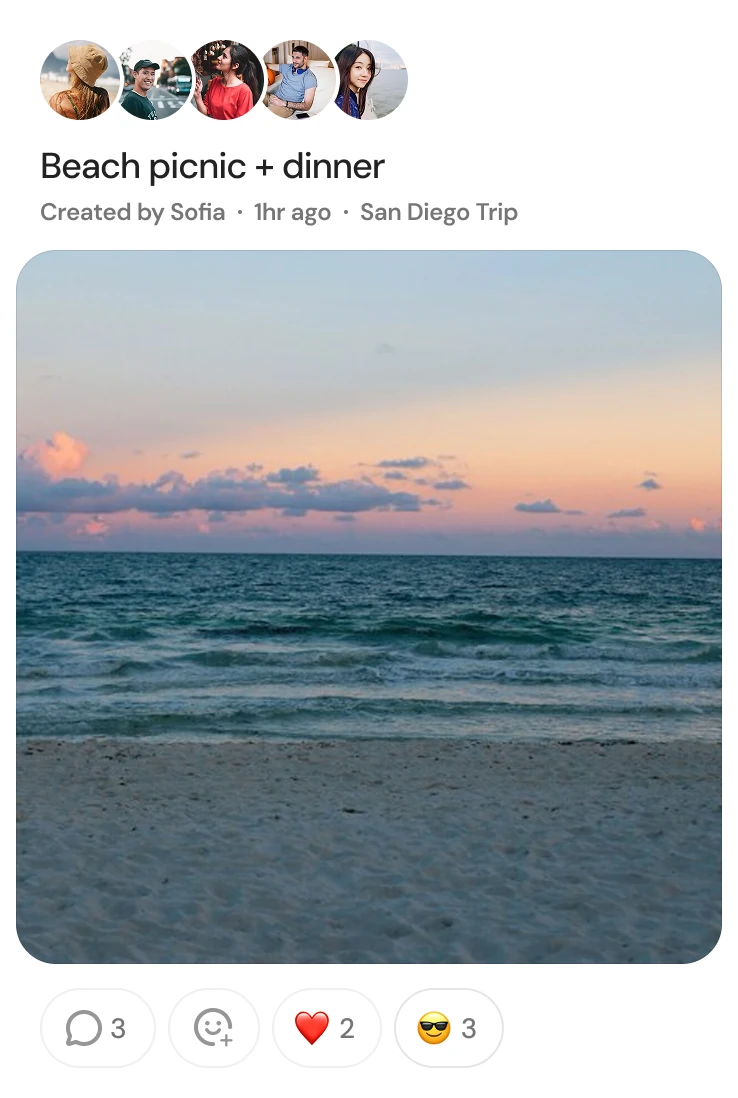
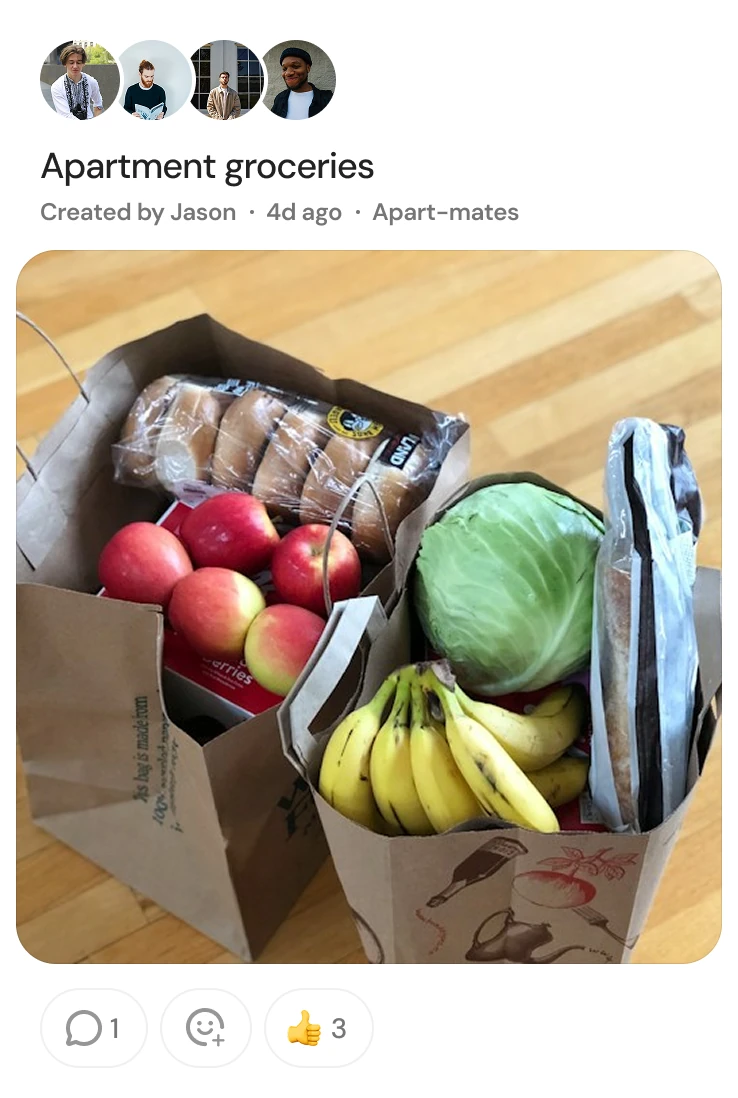
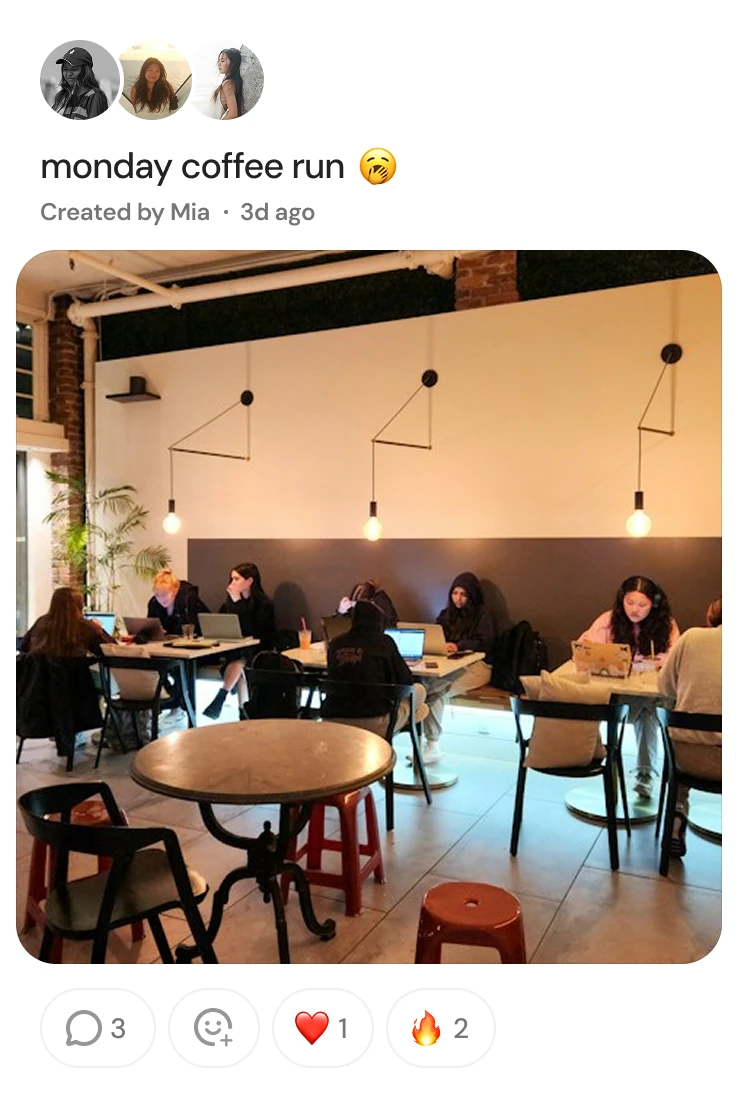
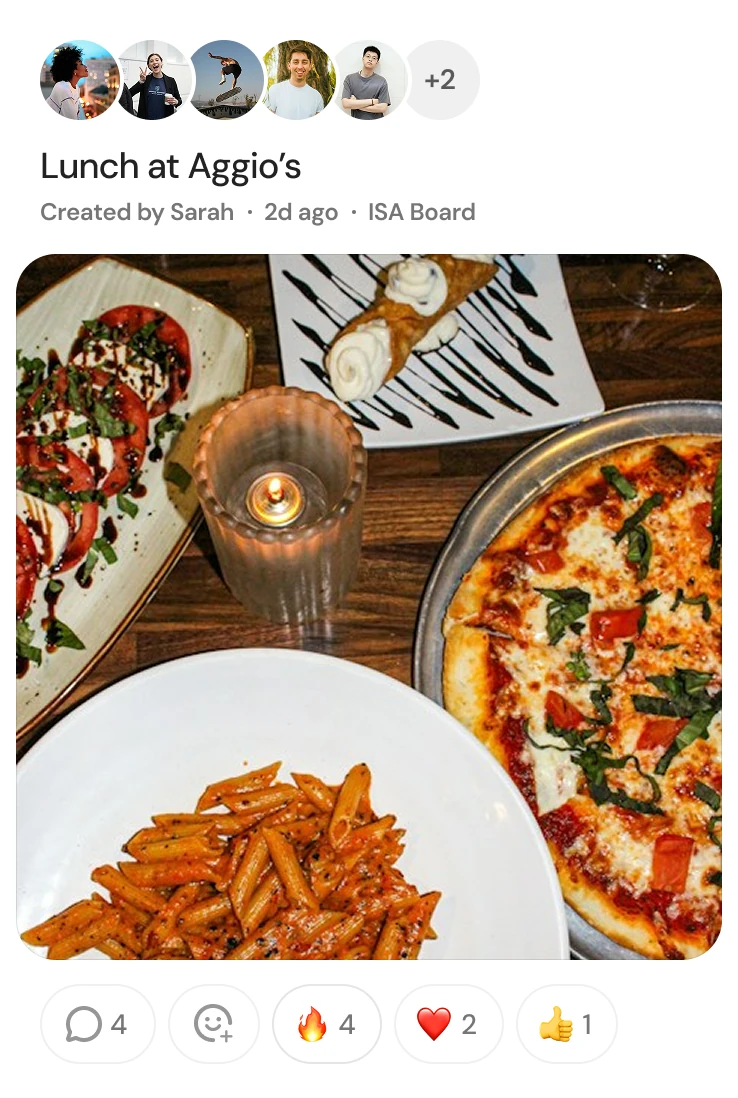
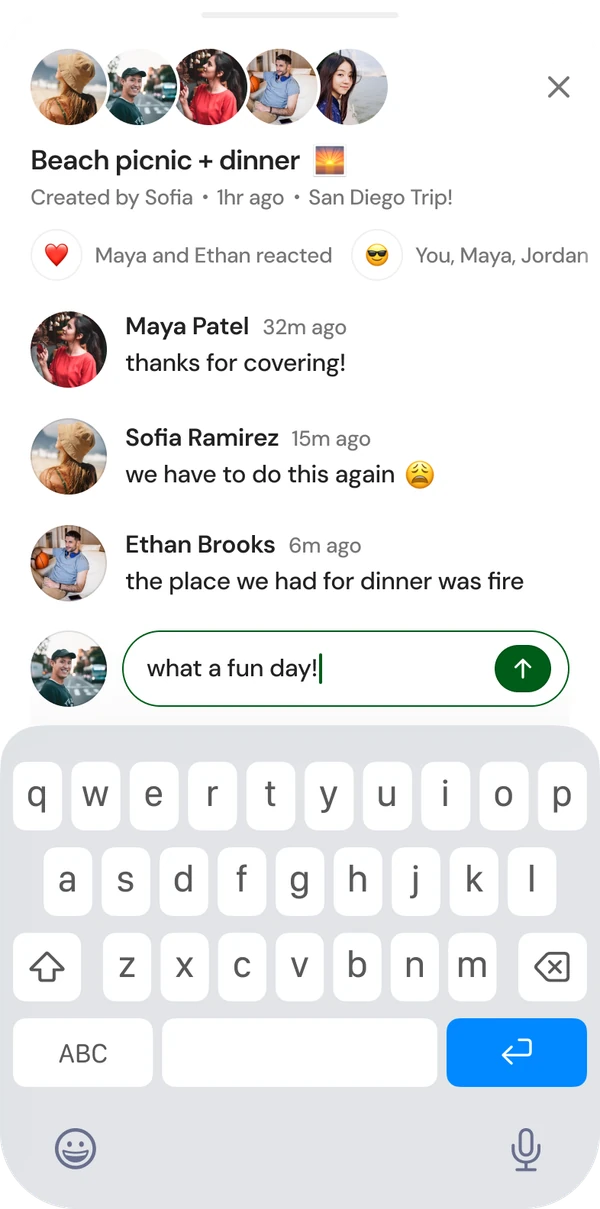
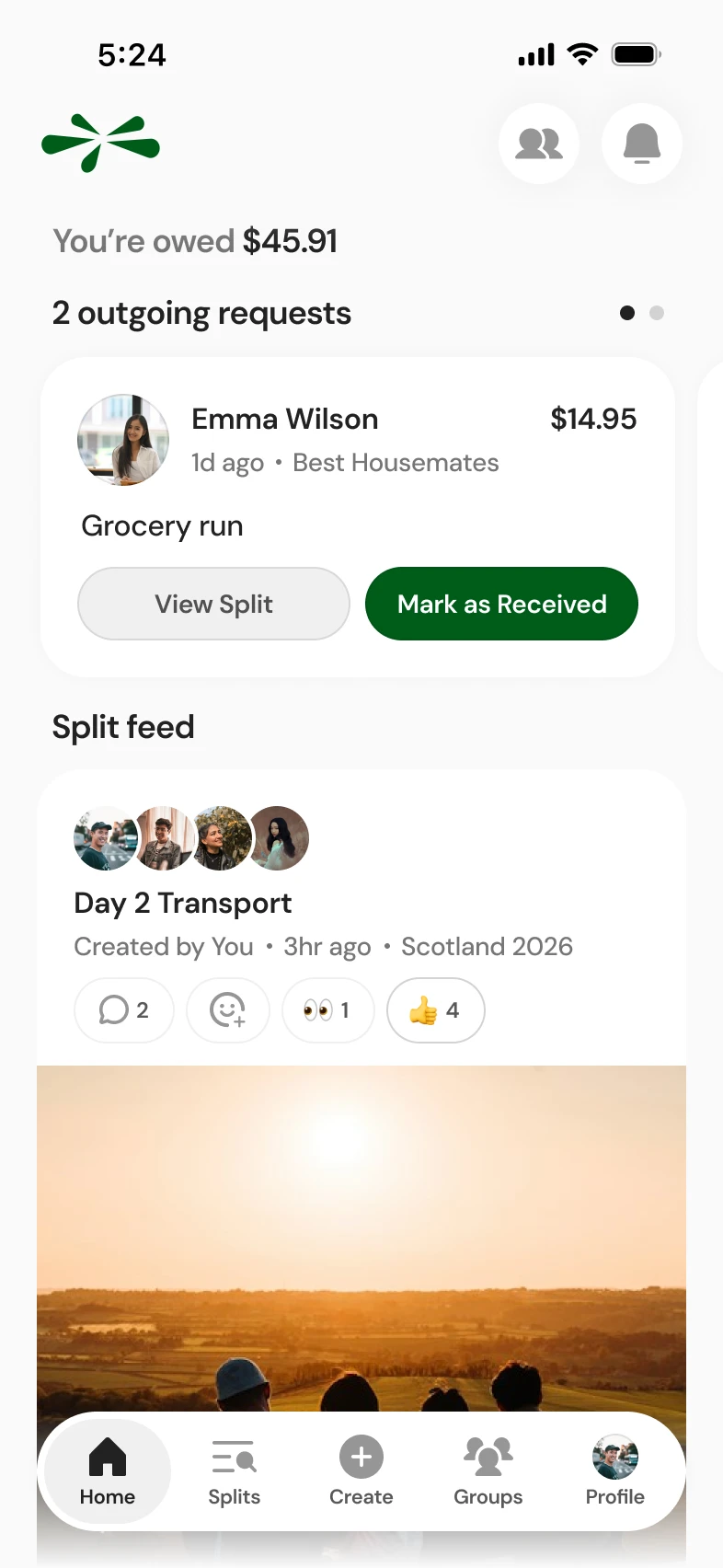
Keep the moments with the money. Add photos, comments, and reactions to remember who was there and what you did.


Dishes, shared plates, tax, and tip.

Stays, transport, and activities.

Groceries and household bills.

One gift, everyone’s share.

Party supplies and shared costs.

Tickets, parking, food and drinks.
Payment apps, cash, or a returned favor—however you or a friend settles up, log it in Splits so everyone knows what’s paid and what’s still owed.
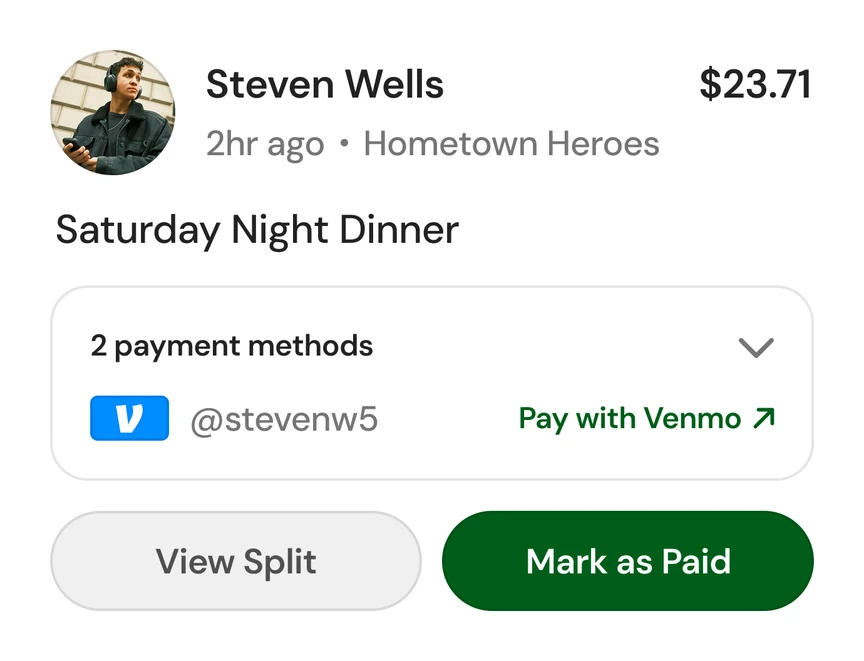
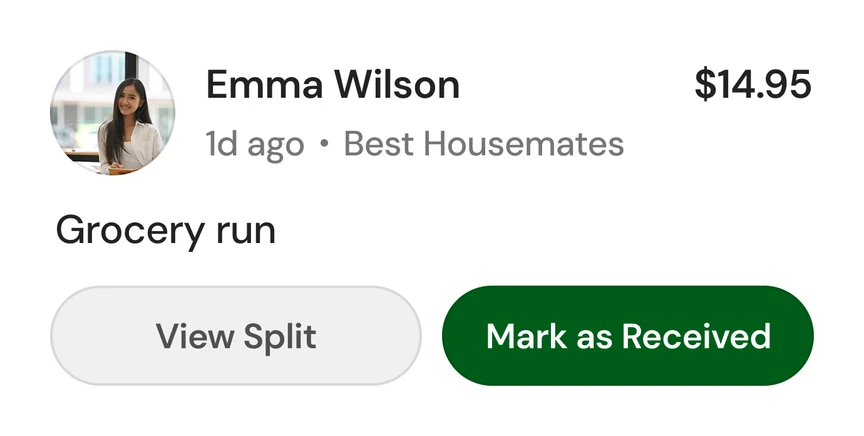

Splits doesn’t collect or store your credit card or bank account information.
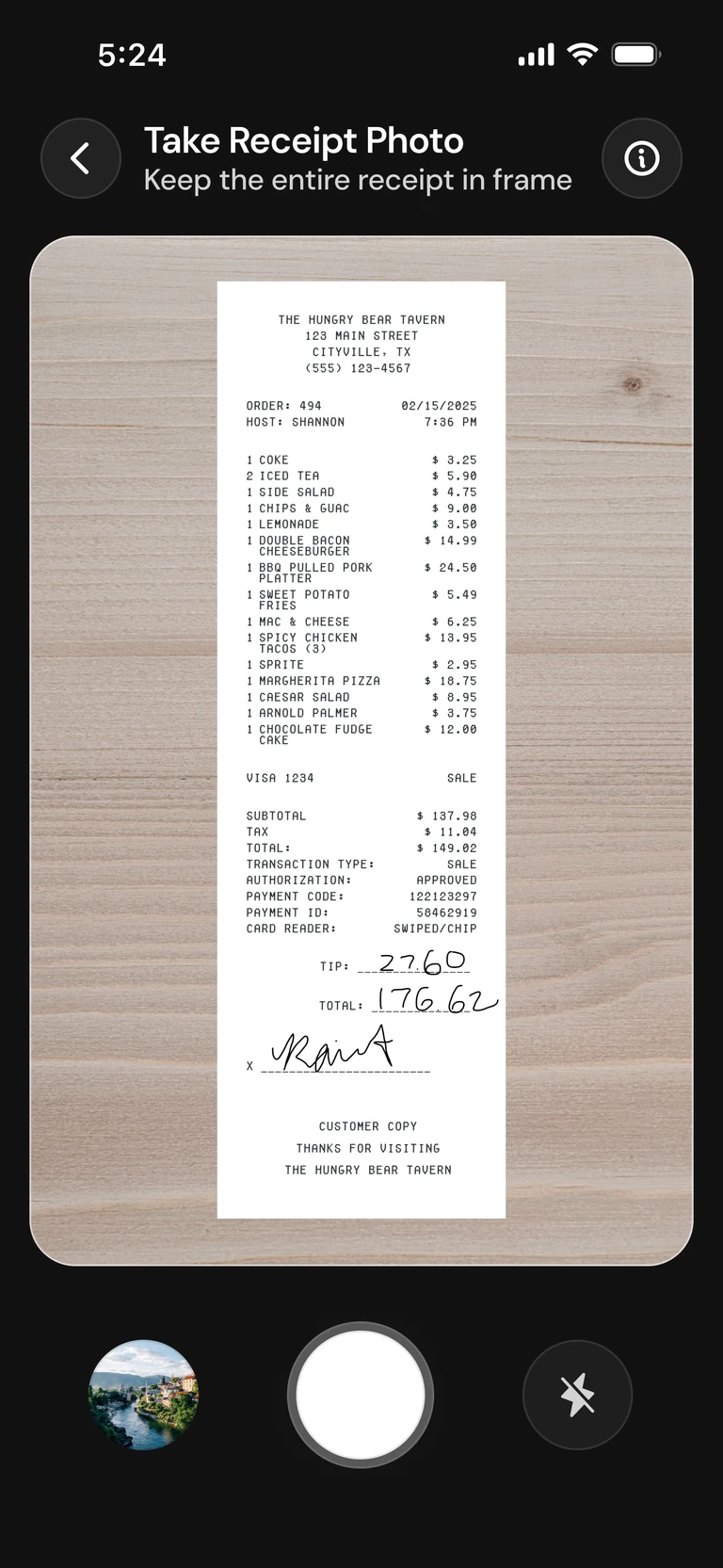
Take a photo and turn your receipt into items.
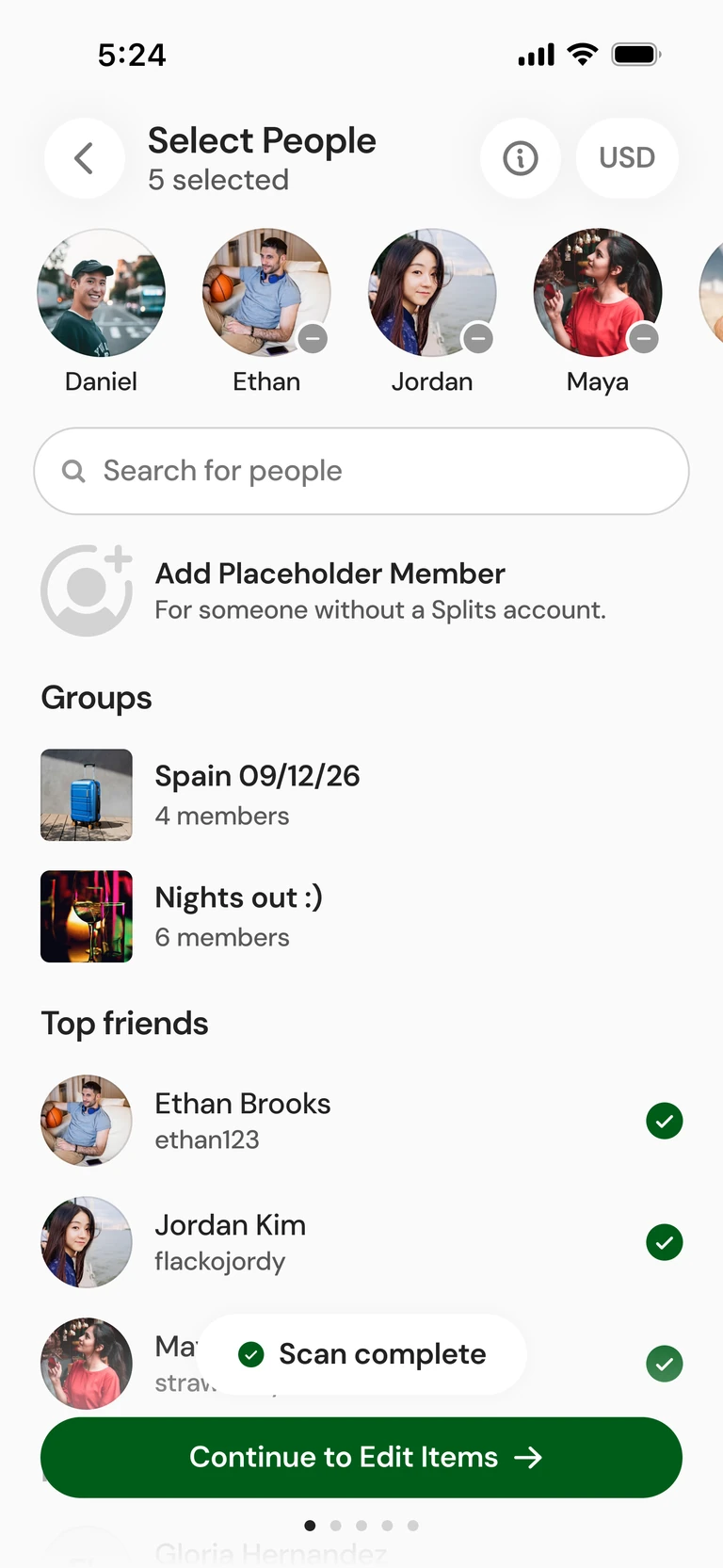
Add the friends who’ll be splitting with you.
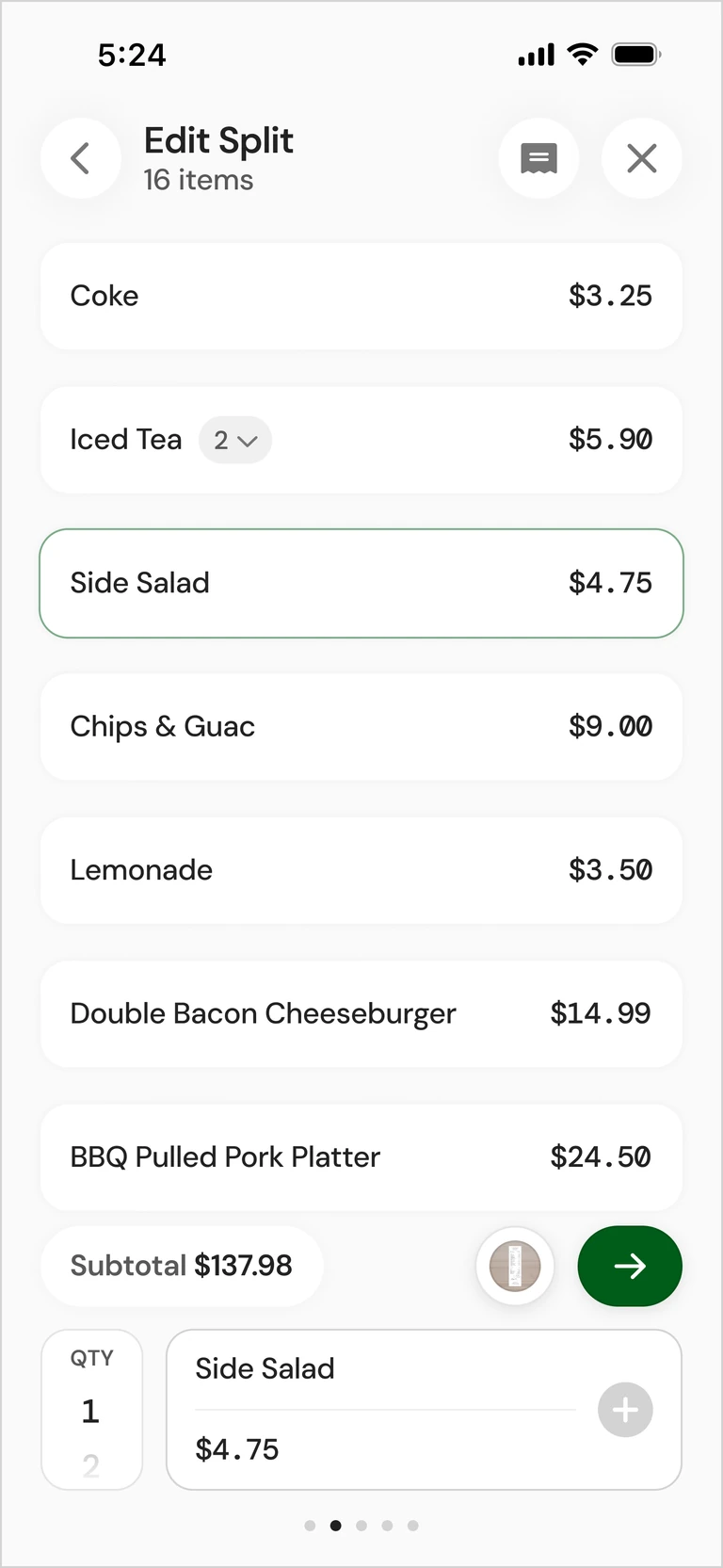
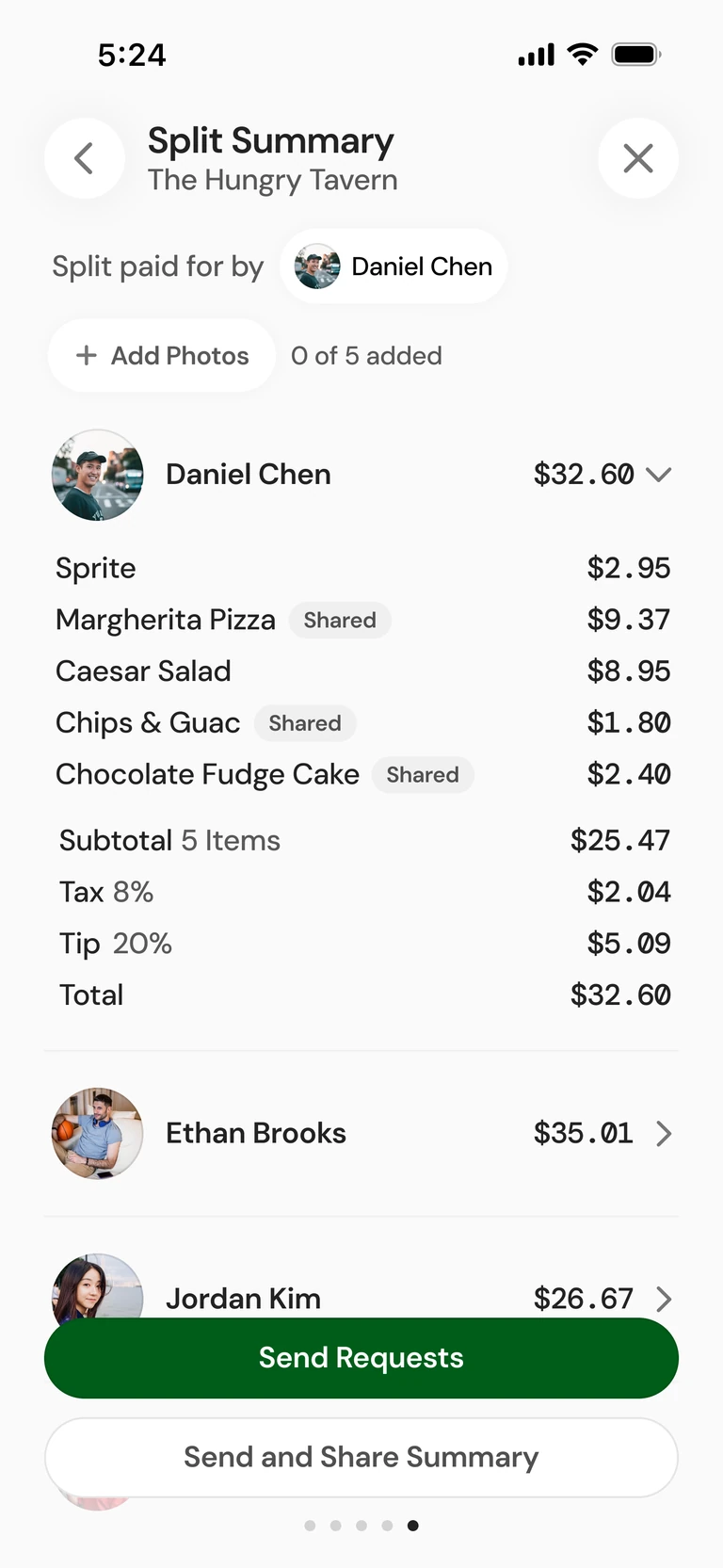
Check the scanned items and make any corrections.
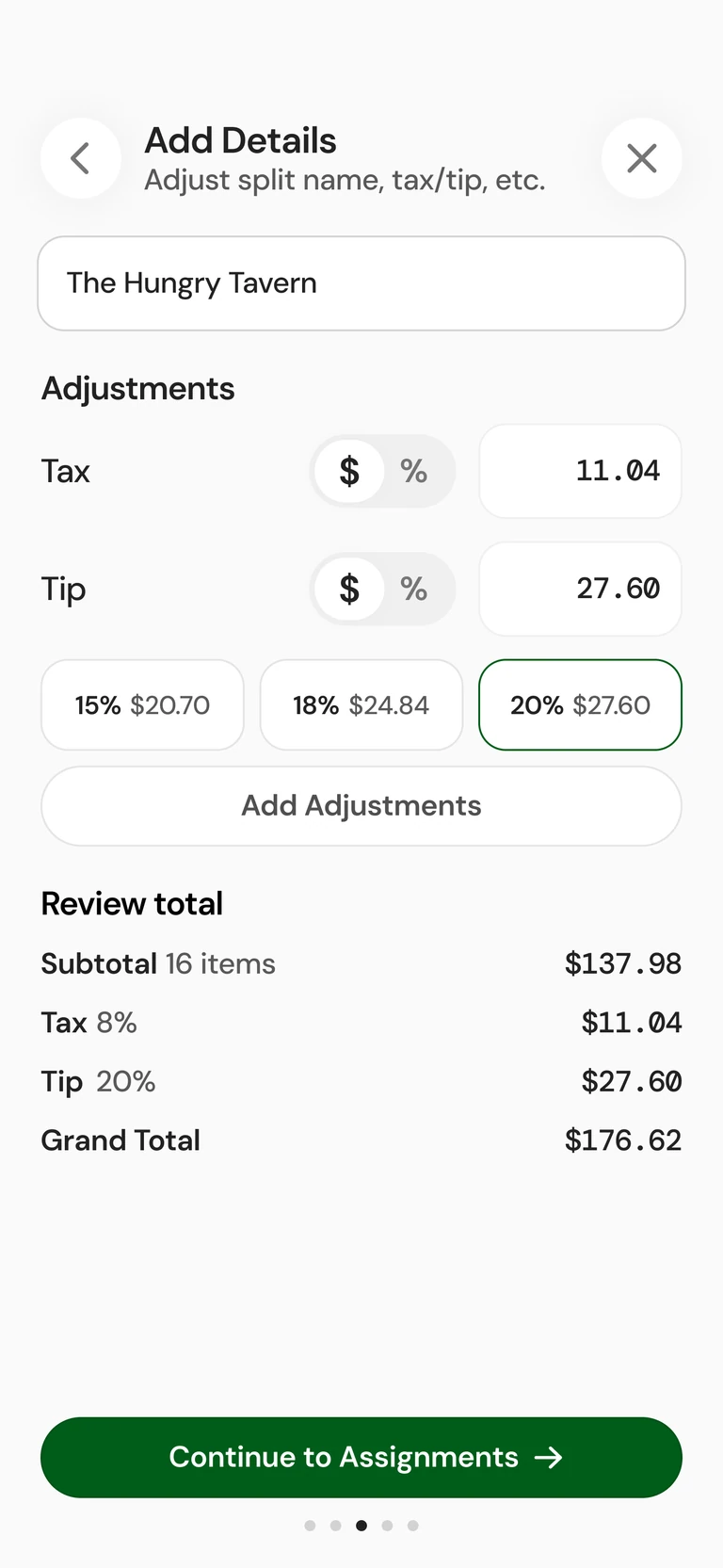
Review tax, tip, and adjustments so it adds up.
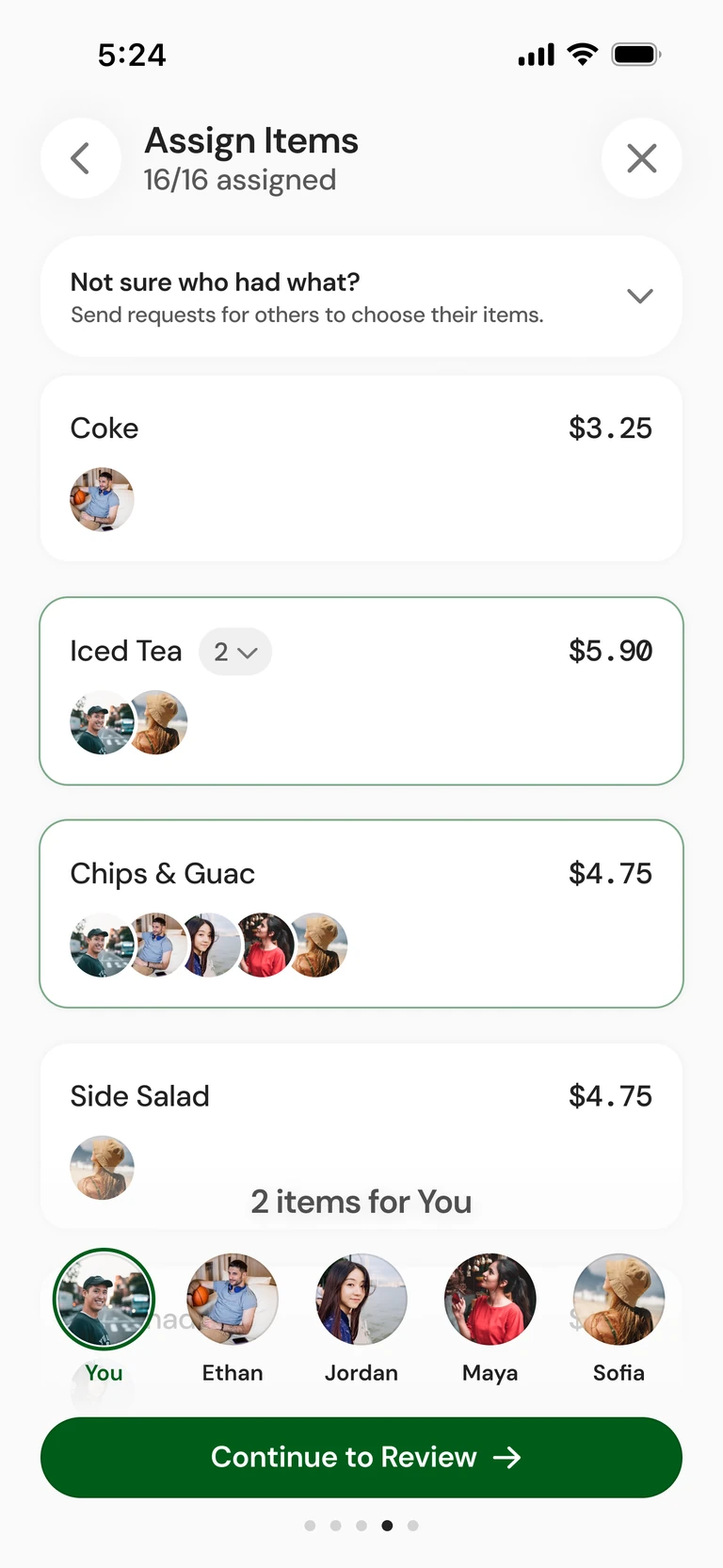
Choose who had what, or let friends claim their own.
Check totals, then send your payment requests.


Free users only get up to 3 scans a month.Free users only get up to 3 scans a month.Free users only get up to 3 scans a month.

Keep up to five in every split you create.Keep up to five in every split you create.Keep up to five in every split you create.

Payment requests auto-convert to USD.Payment requests auto-convert to USD.Payment requests auto-convert to USD.
$4.99 total for your first 2 months
Then $4.99 / month
$39.99 / year
Save 33% compared with monthly
The mobile app for convenient,
memorable splitting.
The mobile app for convenient,
memorable splitting.

Scan to open the App Store
The mobile app for convenient,
memorable splitting.